


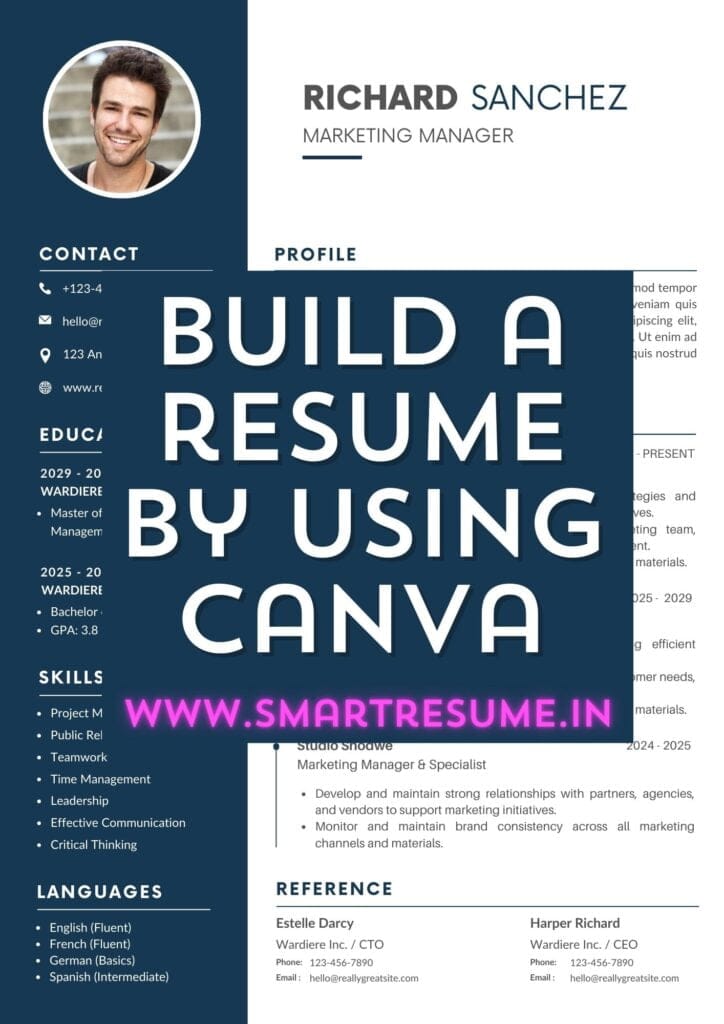
How to build a Professional Resume using Canva for Beginners : Free
Building a professional resume is easier than ever with Canva, an intuitive, user-friendly online design tool that allows you to create stunning resumes without needing advanced design skills. Follow these simple steps to get started:
Step 1: Sign Up for Canva
Visit Canva.com and sign up for a free account. Canva offers a variety of free templates, which can be a great starting point for your resume.
Step 2: Search for Resume Templates
Once you’re logged in, type “Resume” in the search bar and browse through hundreds of free and customizable templates. Pick a template that best suits your industry and style preferences.
Step 3: Customize the Template
- Change Text: Replace the default text with your personal details, including your name, contact information, and work experience.
- Edit Font and Colors: Canva allows you to change fonts, text sizes, and colors to match your professional image.
- Add or Remove Sections: Depending on the template, you can easily add or remove sections such as education, skills, certifications, or references.
Step 4: Upload Your Photo (Optional)
Some resumes include professional headshots. If you’d like to add one, simply drag and drop your photo into the design.
Step 5: Save and Download
Once you’re satisfied with the design, click on the ‘Download’ button and choose the file format (PDF is preferred for resumes). Your professional resume is now ready!
Why Use Canva for Your Resume?
- Easy-to-use: No design skills required, perfect for beginners.
- Customizable: Tailor every part of your resume to reflect your professional brand.
- Free Templates: Access numerous free resume templates that suit various industries.
For a Free Online Resume Builder or professional assistance, visit www.smartresume.in, contact us at 9007008040, or email smartresume.in@gmail.com.
Let Smart Resume Services help you stand out with a professionally designed resume!